Exporting Your Schedule
Download your league schedule as a spreadsheet, PDF, or calendar file.
League managers can download the current schedule from the Schedule page as a spreadsheet, a PDF, or a calendar file.
Download The Schedule
- Sign in with the account that manages the league.
- Open the league's Schedule page on a desktop computer.
- Scroll to the bottom of the schedule table.
- Select Export, then choose a format.
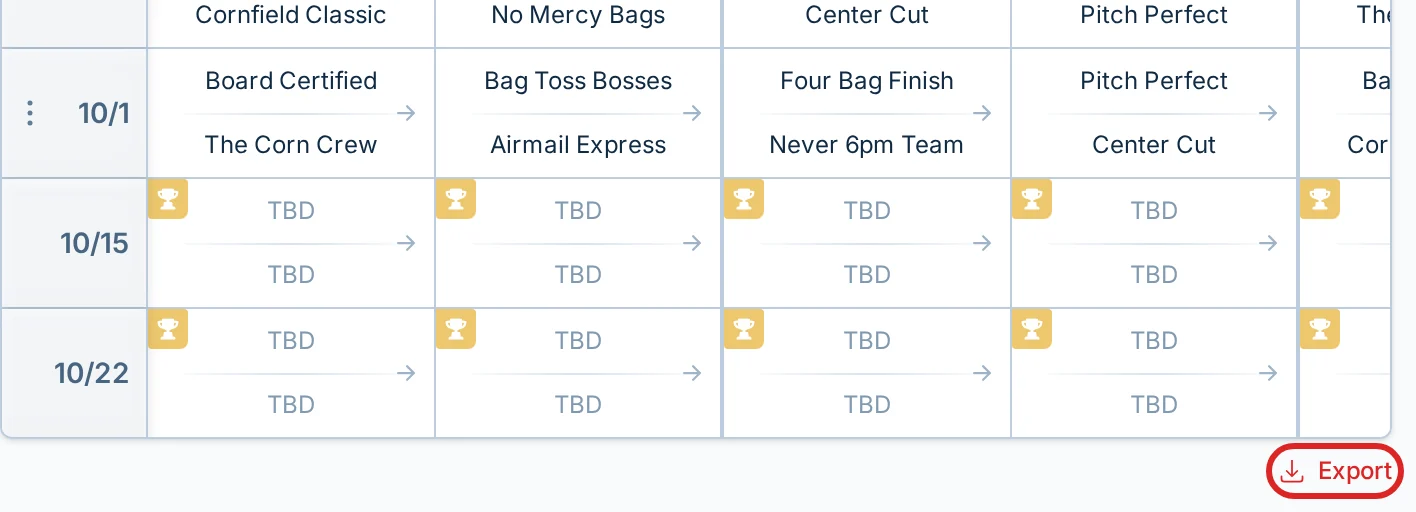
- Spreadsheet downloads an
.xlsxfile that you can open in Microsoft Excel, upload to Google Sheets, or open in another compatible spreadsheet app. - PDF downloads a copy to print or share.
- Calendar downloads an
.icsfile for Google Calendar, Apple Calendar, or Outlook. Choose All teams, or pick one team to send its captain just their matches.
Every download is a snapshot taken when you choose it. Later schedule changes do not update a file you already downloaded.
What's In The Spreadsheet
The workbook contains three sheets:
- Schedule — An editable table with dates, times, locations, boards, team assignments, officials, cancellations, notes, and links to the online schedule.
- Weekly View — A print-friendly grid organized by date, time, and board.
- Teams — Team names and each captain's name, email address, and phone number when available.
Editing the workbook does not change the schedule in bagtoss.love.
Each sheet includes the date the workbook was exported and a link to the latest schedule on bagtoss.love.
Canceled matches are identified in the workbook. Scores, results, win-loss records, and completion details are not included.
Protect Captain Contact Information
The Teams sheet can contain private captain contact details. Store and share the workbook only with people who need that information to manage the league.
If Export Is Missing
The Export action is only on desktop. It also remains hidden until:
- The schedule contains at least one match.
- You are viewing the approved schedule rather than a proposed update.
- The league's bagtoss.love balance is paid.
- You are signed in with manager access to that league.
If all of these are true and you still do not see Export, contact support.